
UX Design for AI Products: How to Make Smart Systems Feel Human
Introduction — The Human Side of Intelligent Systems
Artificial intelligence has become the quiet engine behind nearly every digital product. It recommends what we should watch, helps recruiters shortlist applicants, and predicts when a machine will need repair. For business leaders, that intelligence promises efficiency and scale. Yet there’s a paradox here: AI can understand patterns, but it doesn’t understand people.
That’s where UX design for AI steps in. If AI is the brain of a product, UX is the personality that makes it approachable. A great model can process data perfectly and still fail if the experience feels cold or confusing. When design teams translate data science into empathy, they turn automation into connection.
In this article, we’ll look at how companies can combine AI product design and human-centered UX to build intelligent systems that feel trustworthy, useful, and even a little human.
What AI Products Really Are and Why UX Matters
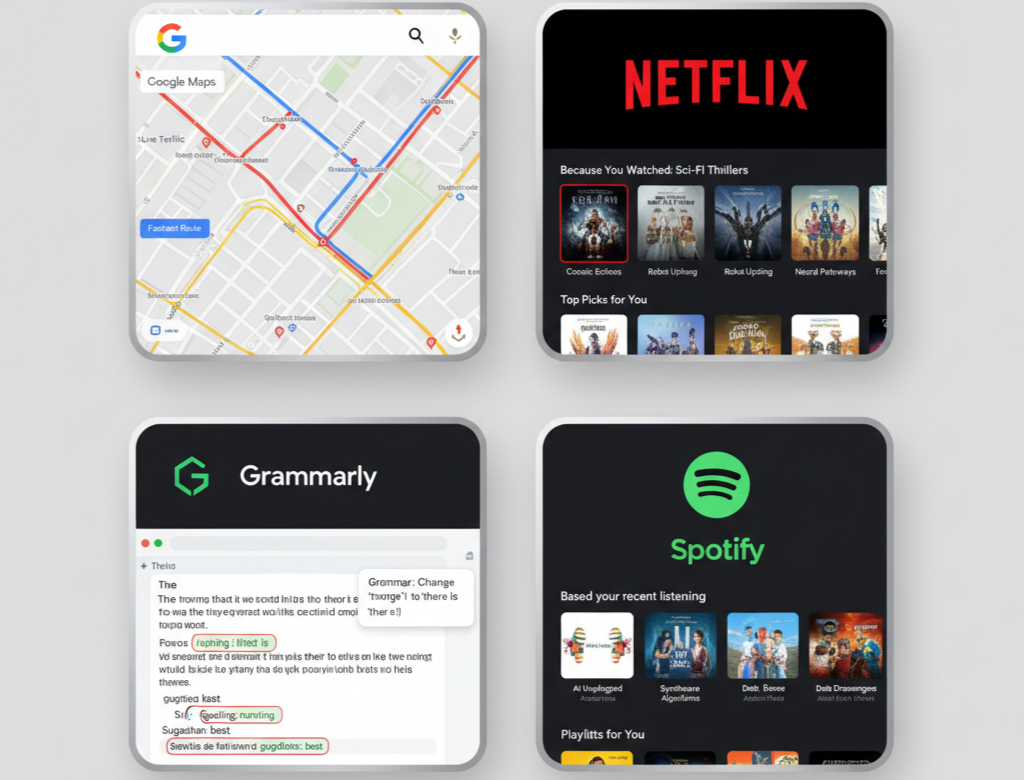
An AI product isn’t defined by its code but by what it learns. Netflix predicting your next show, Grammarly improving your writing, Google Maps adjusting for live traffic, all of these are familiar examples of AI product design in action.
From a business perspective, these tools promise personalization and smarter decisions. But for the user, they often create a problem of understanding. Why did the system recommend this? How did it reach that conclusion?
Without thoughtful design, AI becomes a black box that leaves people guessing. Picture a lending platform that simply says, “Application denied.” The math might be sound, but the message erodes trust. Add a clear explanation, “Based on your current income-to-debt ratio, you’re not eligible right now, but here’s how to improve your chances”, and the same system suddenly feels fair.
User experience in AI is about bridging that gap, making machine logic feel understandable, predictable, and human. Businesses that master that translation win loyalty long after the novelty of AI fades.
 The Role of UX in Shaping AI Experiences
In traditional design, UX turns features into flows. In AI, it turns complexity into clarity.
Designers working on AI products act as interpreters between engineers and end users. They help people understand what the system is doing, build trust in its decisions, and maintain a sense of control. These three ingredients clarity, trust, and control, form the foundation of any human-centered AI product.
- Clarity: Users need to grasp what’s happening behind the scenes. Spotify doesn’t just throw songs at you; it says, “Because you listened to Lo-Fi Beats.” That tiny line converts a prediction into a conversation.
- Trust: People rarely trust what they can’t explain. Transparent reasoning, friendly visuals, and plain language make even advanced analytics feel safe.
- Control: The smartest system still has to let users steer. Options to adjust, pause, or undo create partnership rather than dependency.
Empathy ties all of this together. A chatbot that uses a warm tone, or a dashboard that acknowledges progress, reminds users that intelligence can also be kind. For executives, investing in empathetic UX isn’t cosmetic, it’s strategic. It turns technology from a service provider into a relationship builder.
Core Principles of UX Design for AI Products
Designing for AI means balancing sophistication with simplicity. These AI UX design principles help maintain that balance.
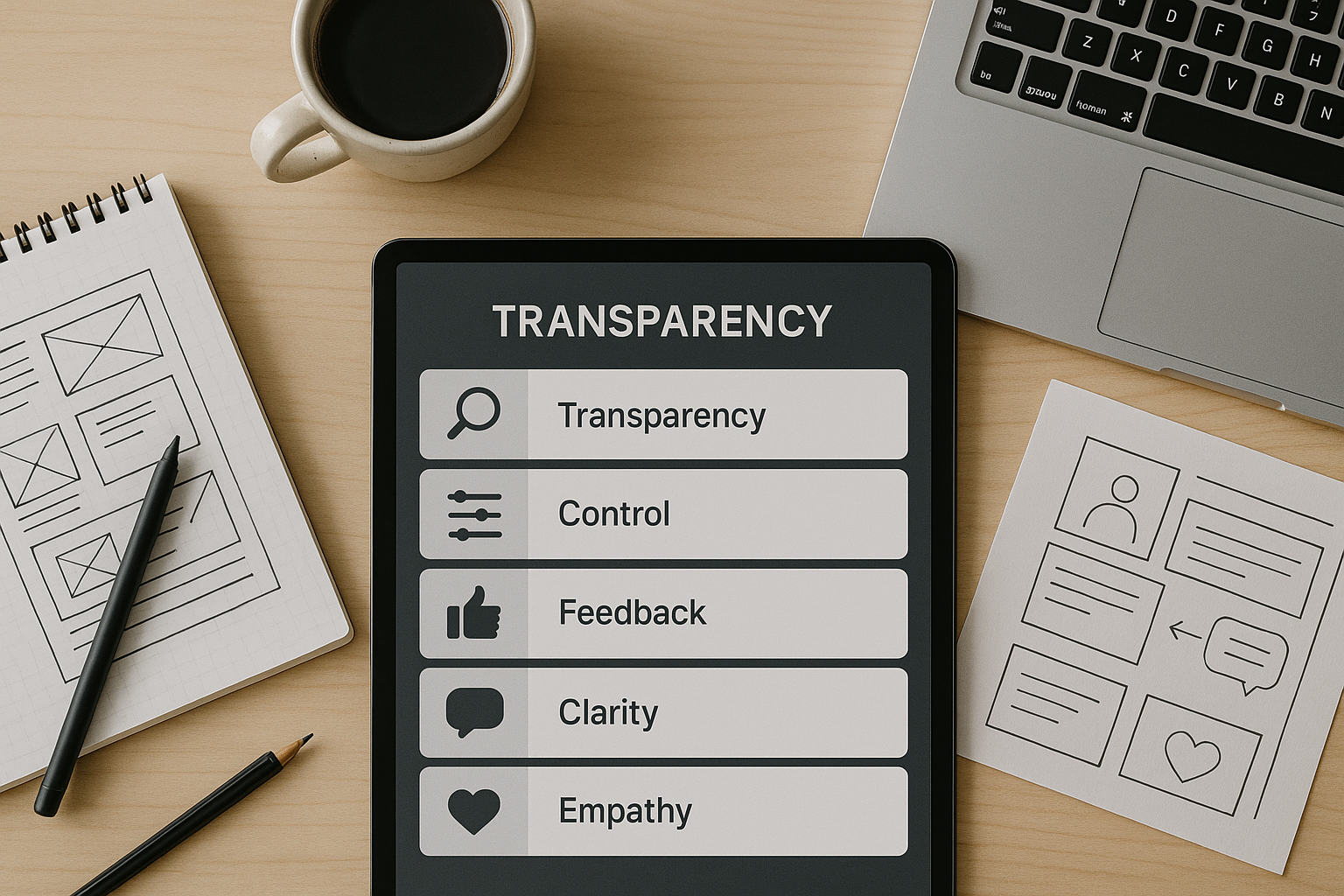
- Transparency: Explain what the system is doing and why. When a product says, “Recommended because of your recent activity,” it transforms algorithmic opacity into human-level logic. Transparency converts curiosity into confidence.
- User Control: AI should empower, not dictate. Provide ways to override or refine its choices, sliders, toggles, or “show me alternatives.” When users feel agency, satisfaction rises and so does trust.
- Feedback Loops: AI learns best when humans stay in the loop. Simple tools like thumbs-up/down or editable suggestions let users teach the model. Over time, that feedback makes the system more accurate and the experience more personal.
- Simplicity and Clarity: AI might be complex; the interface shouldn’t be. Avoid technical jargon such as “confidence interval” or “probabilistic outcome.” Replace it with direct explanations: “We’re 90% sure this option fits your goal.” Simplicity invites engagement.
- Empathy in Interaction: Design language, color, and tone that convey warmth. Replace robotic confirmations with conversational microcopy, “Got it, working on that now.” It costs nothing and changes everything.
 The Common Challenges Businesses Face
Every company exploring AI UX design meets similar hurdles.
- Unpredictability: Because AI learns dynamically, it can produce inconsistent results. A design that includes visible reasoning and easy “undo” actions keeps surprises from turning into frustration.
- Trust Issues: Users bring skepticism, sometimes earned. Exposing how data is used and allowing opt-outs or privacy controls are simple ways to build credibility.
- Bias and Fairness: Models inherit the bias of their data. Designers can’t always fix that, but they can communicate limits clearly. Even a small note such as “Results based on market averages” shows honesty.
- Explainability: The toughest challenge is translating math into meaning. Well-chosen visuals, progressive disclosure (showing detail only when needed), and human-readable summaries all make machine reasoning easier to grasp.
Businesses that confront these obstacles directly not only earn user trust but also differentiate themselves in markets crowded with generic AI tools.
Best Practices for Human-Centered AI Product Design
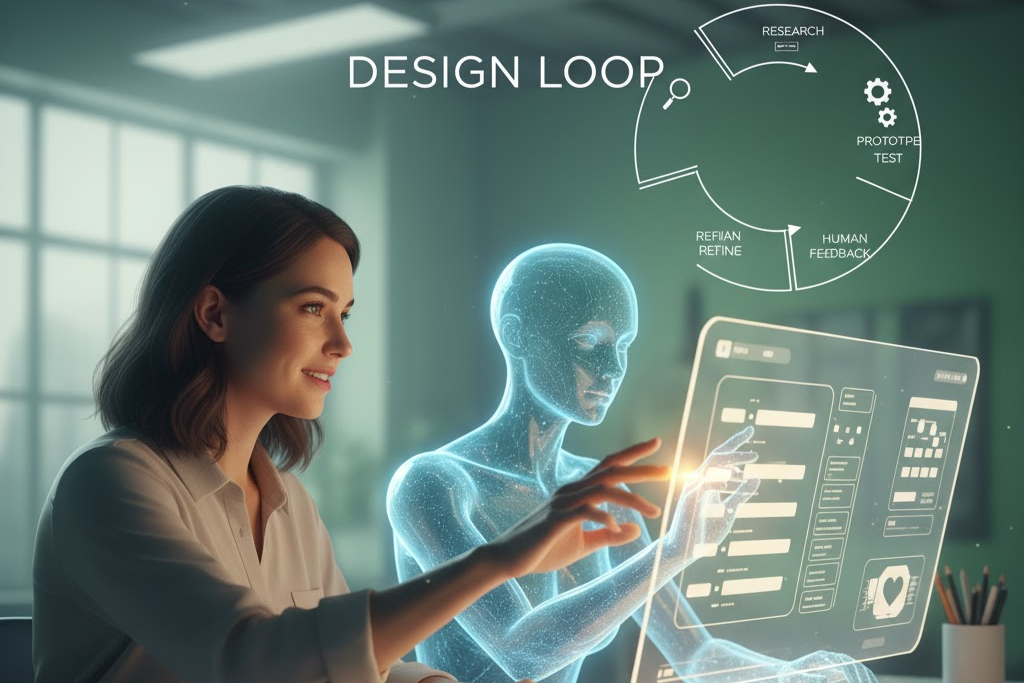
Creating a human-centered AI product means designing for feeling as much as for function.
- Start with People, Not Data: Engineers think in datasets; designers think in goals. Begin every AI project by asking, “What problem does this solve for our users, and how should they feel when it’s solved?” Technology should serve emotion, not replace it.
- Prototype and Test Early: AI behavior can surprise both developers and users. Mock up interactions early, even with fake data and observe how people react. Early testing reveals misunderstandings long before code becomes expensive
- Design with Emotion: Little touches make automation feel alive: a micro-animation that confirms success, a friendly “Nice work!” message after a task, a calm color palette for complex dashboards. Emotion drives retention.
- Balance Automation and Control: Too much automation makes users anxious; too little makes them tired. Gmail’s Smart Compose gets this balance right, it offers help but lets you decide. For business tools, that equilibrium means efficiency without loss of autonomy.
- Cross-Functional Collaboration: Great AI product design doesn’t happen in silos. UX designers, engineers, and product managers need to share a language. When data scientists understand human behavior and designers grasp AI logic, the product feels seamless.
 The Business Value of Thoughtful AI UX
For executives, investing in UX design for AI isn’t an artistic indulgence; it’s a competitive advantage. Products that communicate clearly and build emotional trust generate better engagement metrics and stronger retention.
Transparent systems also future-proof brands against the growing wave of AI-ethics regulation. A clear interface that explains how data is used demonstrates responsibility and strengthens reputation.
Research consistently shows that design-driven organizations outperform their peers in revenue and shareholder returns. In an AI-first world, that advantage compounds. Every thoughtful interaction, every instance where a customer feels understood rather than processed, translates into measurable business value.
 The Future of UX in AI-Driven Design
As AI matures, UX will no longer be an afterthought; it will be the framework through which users perceive intelligence itself. The next generation of products won’t just automate tasks, they’ll adapt tone, visuals, and behavior based on emotional feedback.
For businesses, this means a cultural shift. Teams must blend data literacy with empathy, algorithmic thinking with storytelling. Designers will need to grasp how models learn, while engineers will need to appreciate human context.
The companies that succeed will create AI products that feel almost alive, not because they mimic people, but because they understand them. That’s what true human-centered AI looks like: technology that responds to intent, not just input.
 Conclusion : Keeping the Human Touch
AI gives products intelligence; UX gives them soul.
Every algorithm, no matter how advanced, is only as valuable as the experience it delivers. Businesses that combine smart data with empathetic design will stand out in an era where efficiency alone no longer differentiates.
Designing for AI products isn’t about teaching machines to think—it’s about teaching them to listen. The future belongs to organizations that build trust through transparency, offer control through clarity, and express empathy through every pixel.
As technology becomes smarter, our responsibility as creators and leaders is simple but profound: keep it human.